First up, you'll need some pose boxes! These are my current favourites:
Decorgal's Custom Modeling Poses Overlay - if you don't get any other pose boxes, get this one! It is the only one I know of that will allow you to change a Sim's facial expression and can be used in conjunction with any other pose box.
The facial expressions don't work with children but you can edit the box so that they do if you follow the instructions here. If you're scared of SimPE, you could also just download this box which contains all the facial expressions enabled for kids. I preferred to just edit the original box, because seriously, I have enough boxes in my game without adding another! But that's totally up to you.
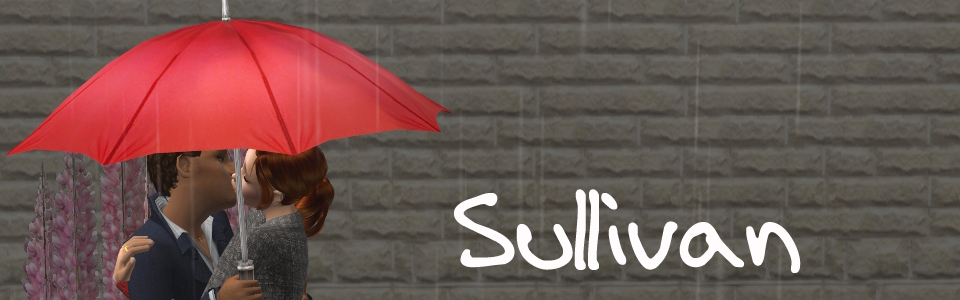
The Custom Prop Hack is a lot of fun if you want your Sims to be holding purses, umbrella, wine glasses or a ton of other different things.
Giu has made some really wonderful pose boxes, including some sweet poses for families.
I'm also totally nuts about MayPink's boxes (link now updated). Lots of poses for couples, as well as some good poses for single Sims.
This hack by Squinge contains all the game animations/poses for toddlers. It's not a box - you just make your toddler selectable and choose the pose you want from the menu.
This list at GOS is updated fairly frequently and contains a ton of links to different pose boxes. If you ever ask me in Comments where I got such and such a pose, I will probably tell you the name of the box and then direct you to this list. If you know the box you're looking for, it's not nearly so overwhelming!
Other essential items:
OMSPS - OMSP stands for One More Slot Package. These are what will enable you to place your Sims close together but they're also handy for decorating. I use these shiftable ones and I also like these angled ones.
Look at Player - Look at Player does exactly what you'd expect and instructs the Sim to look in your direction. This won't work with all of the pose boxes but it's very handy nonetheless.
The Freezer Clock - Even if you've got your Sim in a pose, it sometimes doesn't stop them from trying to carry out an action (or stop a visiting Sim from trying to carry out an action on them) and it can completely ruin your picture and make the whole process very frustrating. This will freeze specific Sims or freeze the game clock for you. Get it here.
A word of warning about Freezer Clock: be very, very careful when using this in a house with pets, babies, toddlers or children. If you freeze all adults/teens and leave the kids unfrozen, the social worker/animal control might come to collect your children or animals. I learnt that the hard way and had to quit without saving!
Okay, now that you have everything you need, it's time to set up your picture.
Each Sim you want in the picture needs to have their own OMSP to stand on. So put some down, enter the move_objects on cheat and place each Sim on an OMSP.
Then select each Sim's pose from the pose box. Some boxes are self-explanatory, some are only numbered but after you do these for a while, you get to know what's what. Before I use any pose, I choose a facial expression from Decorgal's custom modeling box - her poses are overlays, which means you can use them in combination with other poses.
Once your Sims are posed, enter the cheat boolprop snapobjectstogrid false - this lets you place objects (and Sims!) anywhere you like, rather than within the specific tile limits. You might want to use boolprop allow45degreeangleoforotation true as well, which will allow you to rotate objects (and Sims!) diagonally. Sometimes poses look better on an angle.
Now, you can start moving your Sims together to get them posed as you like. The cheats should give you almost complete freedom in moving your Sims around.
Once everyone is posed, make sure they're all looking your way by selecting each Sim, clicking on them and then choosing "Look at Player" from the menu. Freeze them with Freezer Clock once they're looking the right way.
An alternative to Freezer Clock (kindly shared by Maisie) is to pose your sim and then use one of the EA "Pose..." interactions to get the sim to look at you. They will look at you immediately and they will stay looking at you until you tell them to stop. If you want your sim's facial expression to be anything other than the basic smile, you'll still need Freezer Clock - the EA pose will override any other facial expression you've set for the sim. For family portraits though, you usually want your sims smiling, so it is a very handy tip indeed! Thanks again for sharing it, Maisie!
A couple of examples, for you, so you can see this in action.
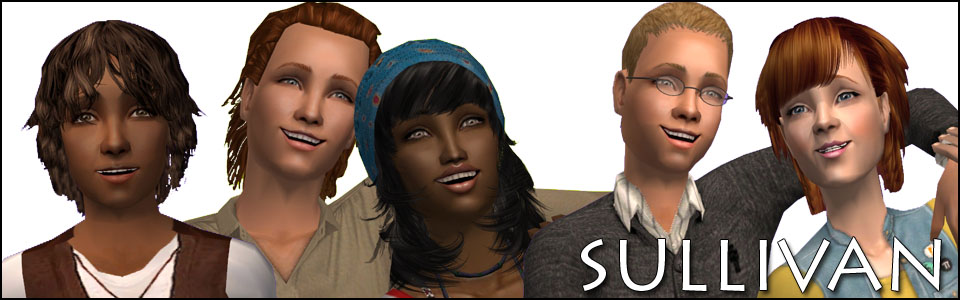
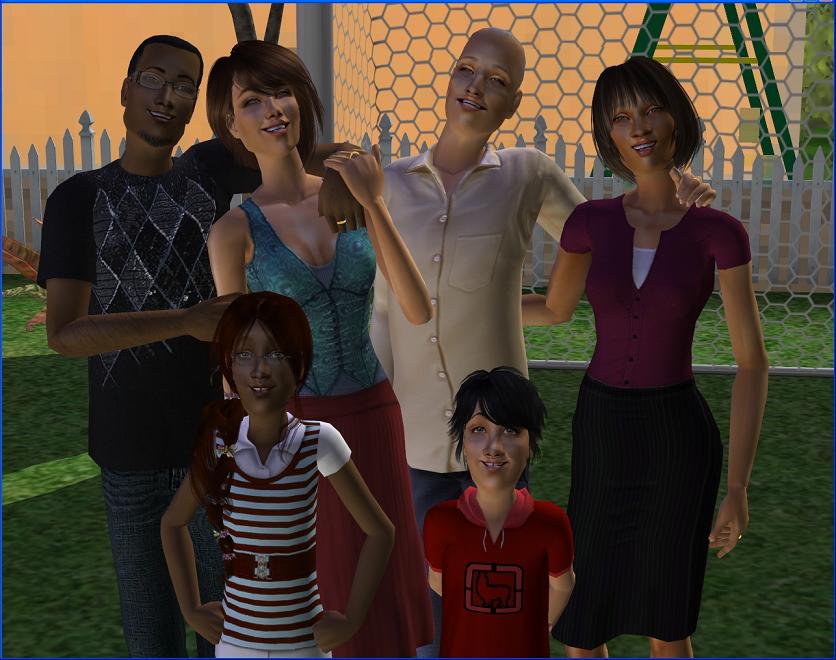
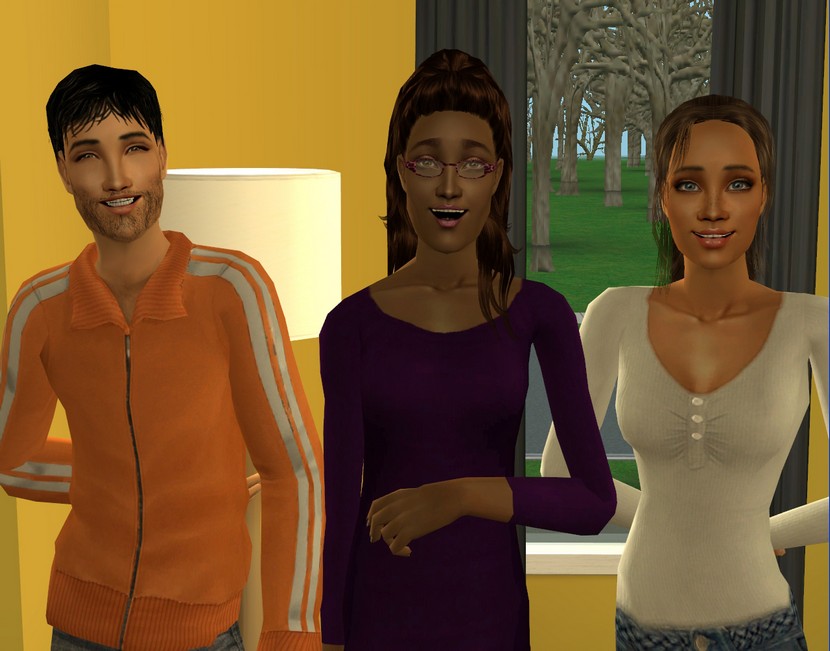 These are the easiest family portraits to do. None of the Sims are touching and they're all standing up.
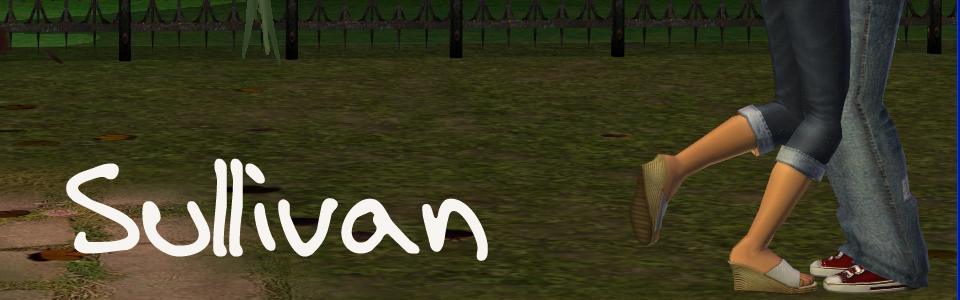
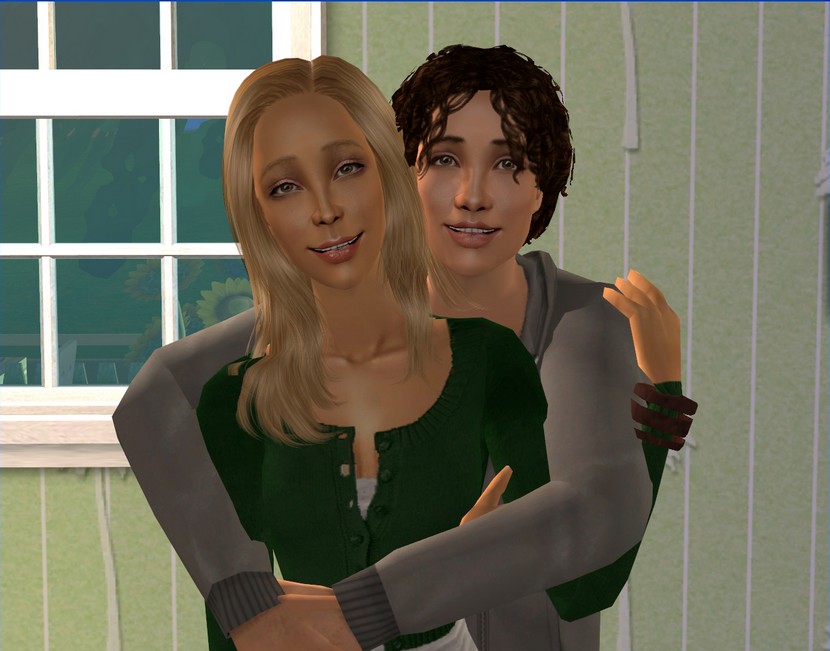 Couple poses are not quite as easy but with the cheats on and with everyone on OMSPs, you should be able to line up the Sims so that you don't have any arms poking through stomachs or anything!
Edit: Not a MayPink pose! It's from this box. Thanks Mandie, for pointing that out!
 Here, I'm using one of Giu's poseboxes to have Finn hold Keira on his shoulders. I'm 99% sure Victoria's pose with her arm around Finn is from the same box. Araminta and Declan are both using poses from Decorgal's modeling box. Caitlin is using an in-game pose (accessed by clicking the selected Sim, as long as you have BV).
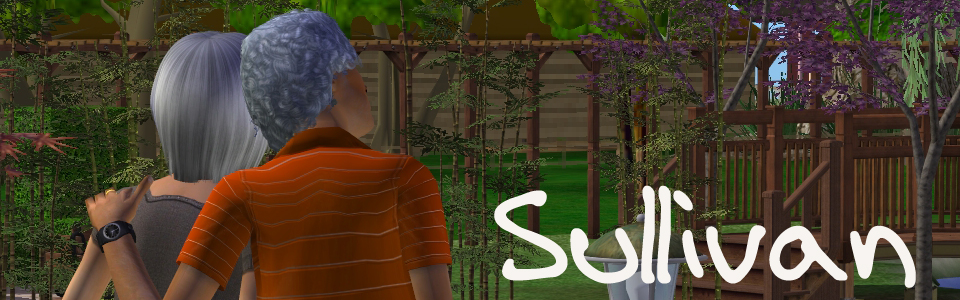
Most pose boxes are only enabled for teens, adults and elders. Some are enabled for children as well but it's kind of a pain to use them. Even though the poses are enabled for kids, they're still designed for adults, so the kids will usually be floating above the ground once you pose them. Some sitting poses work just fine for kids but you'll have to experiment to see which poses they are. I'm normally happy to just use the in-game poses for kids.
 Posing Sims who are holding babies or toddlers can be a bit tricky. First of all, you need to choose a facial expression for them before they pick up the kid. To get them to look at the camera, try having another Sim walk into their line of sight. The Sim should move their head and follow the other Sim with their eyes. When the Sim's head turns the way you want it, freeze them with Freezer Clock!
If you're lucky, the toddler or baby may also move their head to watch the walking Sim and you can get everyone facing the camera. I don't mind too much when that doesn't happen for me, because even in real life, it's hard to get kids that little to sit still for photos. ;) And I'm all about realism in my game!
Now that you've taken a lovely family portrait of your Sims, wouldn't you like to have these hanging on your Sims' walls? Of course you would! Read this for a better way of using the antique camera!
I hope this has shed some light on portrait taking for you. As always, any questions in Comments are welcome. :)
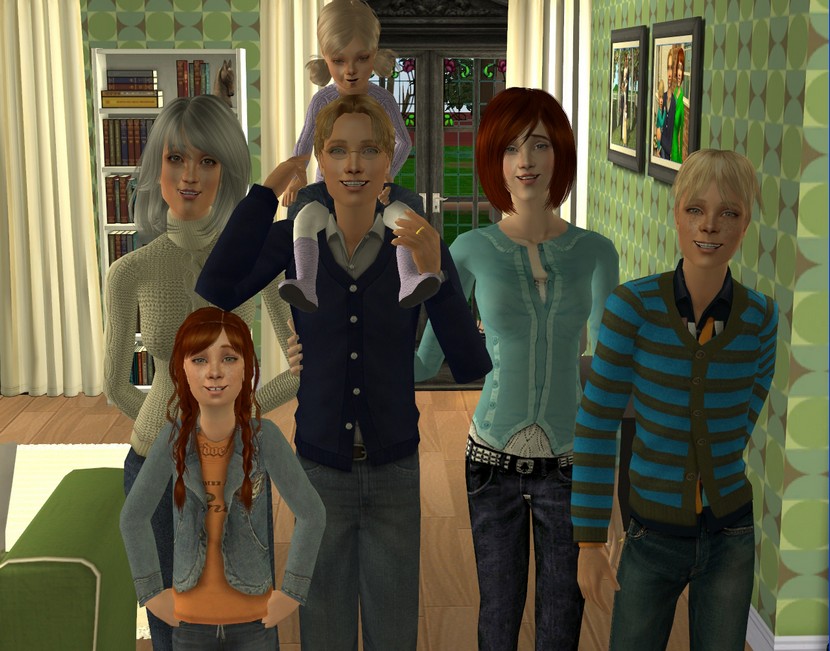 Here, I'm using one of Giu's poseboxes to have Finn hold Keira on his shoulders. I'm 99% sure Victoria's pose with her arm around Finn is from the same box. Araminta and Declan are both using poses from Decorgal's modeling box. Caitlin is using an in-game pose (accessed by clicking the selected Sim, as long as you have BV).
Most pose boxes are only enabled for teens, adults and elders. Some are enabled for children as well but it's kind of a pain to use them. Even though the poses are enabled for kids, they're still designed for adults, so the kids will usually be floating above the ground once you pose them. Some sitting poses work just fine for kids but you'll have to experiment to see which poses they are. I'm normally happy to just use the in-game poses for kids.
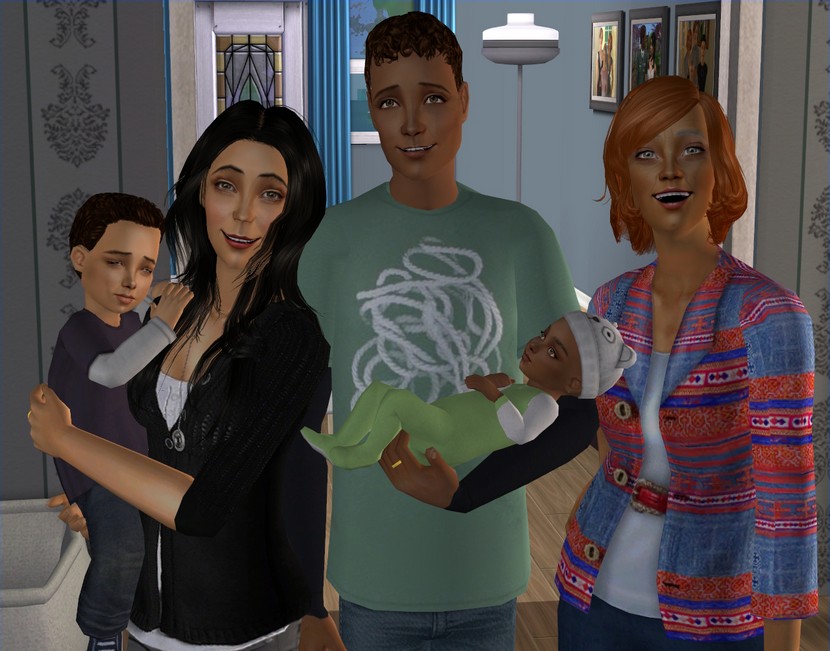 Posing Sims who are holding babies or toddlers can be a bit tricky. First of all, you need to choose a facial expression for them before they pick up the kid. To get them to look at the camera, try having another Sim walk into their line of sight. The Sim should move their head and follow the other Sim with their eyes. When the Sim's head turns the way you want it, freeze them with Freezer Clock!
If you're lucky, the toddler or baby may also move their head to watch the walking Sim and you can get everyone facing the camera. I don't mind too much when that doesn't happen for me, because even in real life, it's hard to get kids that little to sit still for photos. ;) And I'm all about realism in my game!
Now that you've taken a lovely family portrait of your Sims, wouldn't you like to have these hanging on your Sims' walls? Of course you would! Read this for a better way of using the antique camera!
I hope this has shed some light on portrait taking for you. As always, any questions in Comments are welcome. :)